





Description
Madden NFL 11: Ultimate iPhone Football Experience
Overview
Madden NFL 11 delivers a polished, officially licensed football simulation experience tailored for iPhone and iPad users. Designed for sports enthusiasts and mobile gamers alike, the software brings the intensity of professional American football to iOS devices with high-quality visuals and authentic gameplay. The game aims to solve the challenge of delivering a full-featured sports title on a mobile platform, offering an immersive alternative to console or PC-based football games.
Target users include casual fans seeking entertainment, dedicated NFL followers, and mobile gamers who value realism and official licensing. The game integrates official NFL rosters, ensuring players can engage with real teams and players, and supports dynamic updates during the season. Real-world usage scenarios range from quick matches during commutes to extended play sessions during game days, making it ideal for on-the-go football fans.
The developer did not provide additional background information. However, the game’s official licensing and visual polish suggest a professional development effort. Its compatibility with iOS 4.2 indicates a focus on accessibility during its release window. The game’s integration of soundtracks, commentary, and menu design enhances immersion, positioning it as a premium mobile sports experience.
Key Features & Capabilities
- Official NFL Rosters – All real NFL teams and players are included, enabling authentic gameplay and fan engagement throughout the season.
- Four Game Modes – Exhibition, season mode, playoffs, and Bluetooth multiplayer allow flexible play styles for different user preferences.
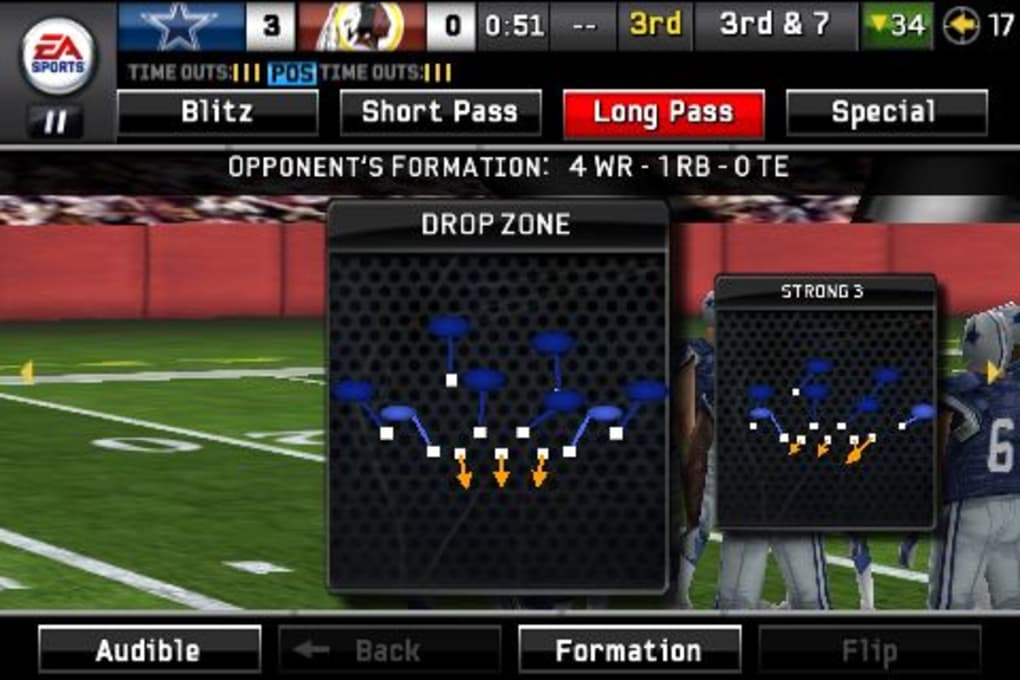
- Total Defensive Control – Pause gameplay mid-play to assign specific defensive actions, such as blitzing or blocking individual opponents.
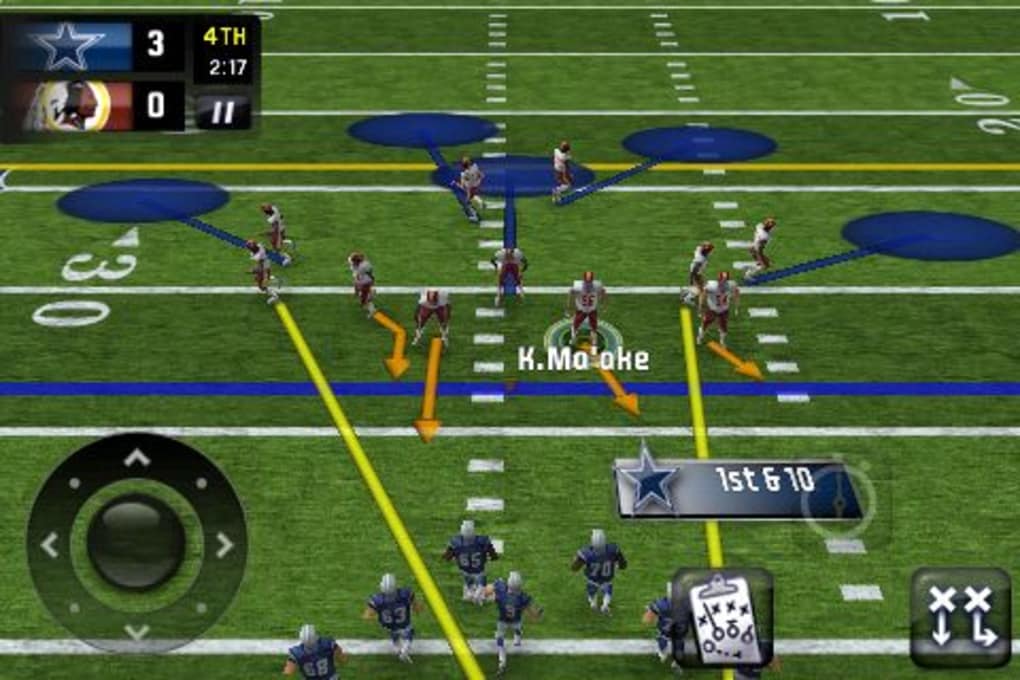
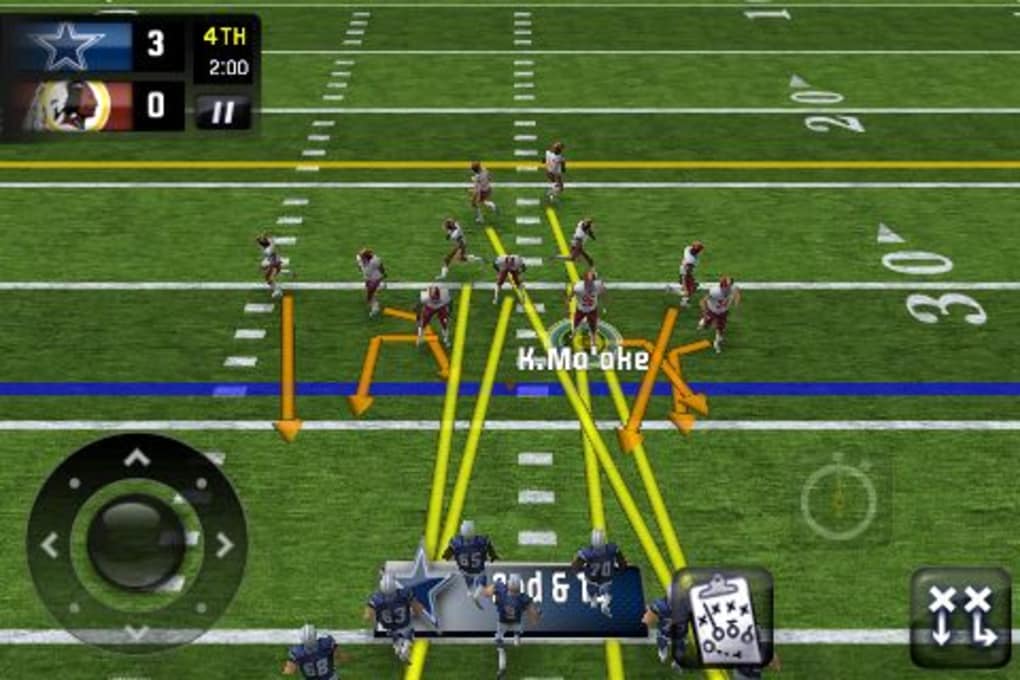
- Hot Routes & Audibles – Customize and save offensive routes for quick adjustments during gameplay, improving strategic depth.
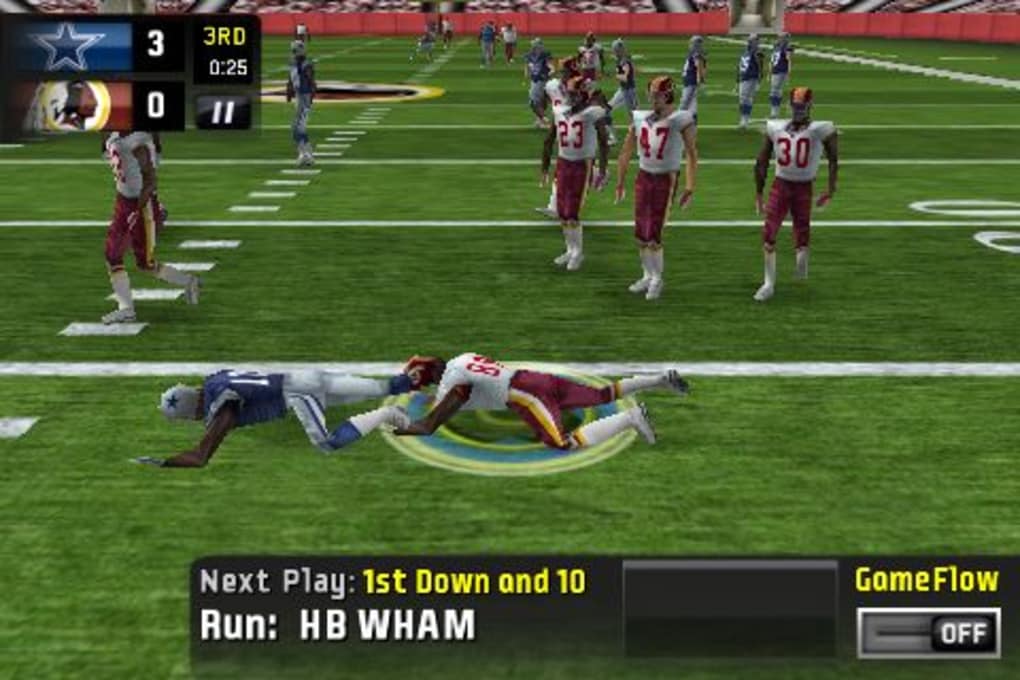
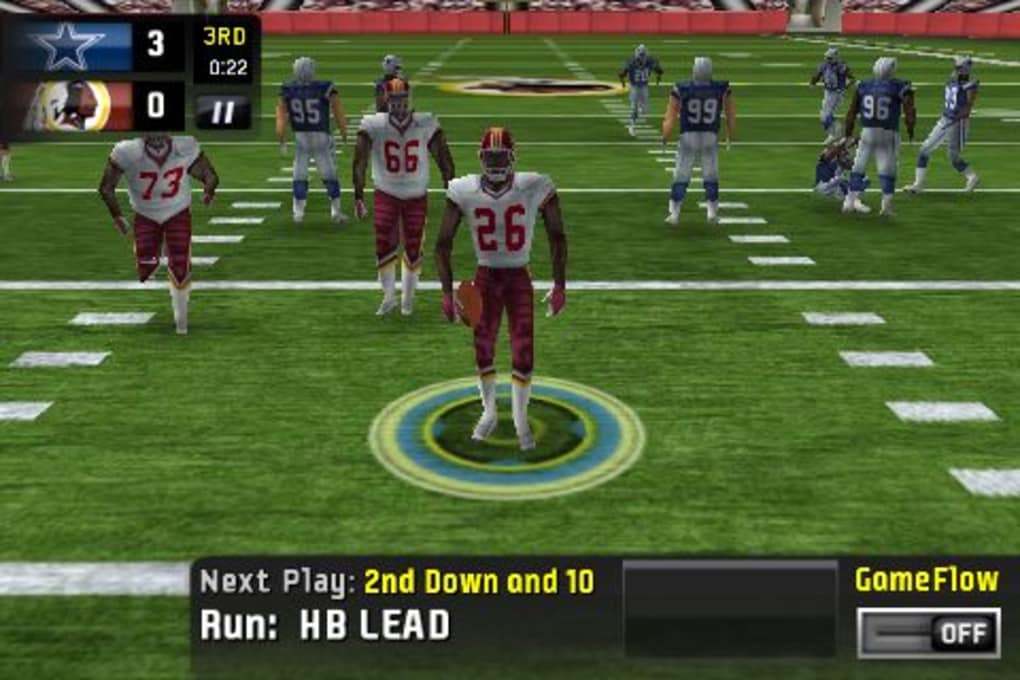
- GameFlow Play System – Simplified play selection with intuitive cycling through available offensive plays.
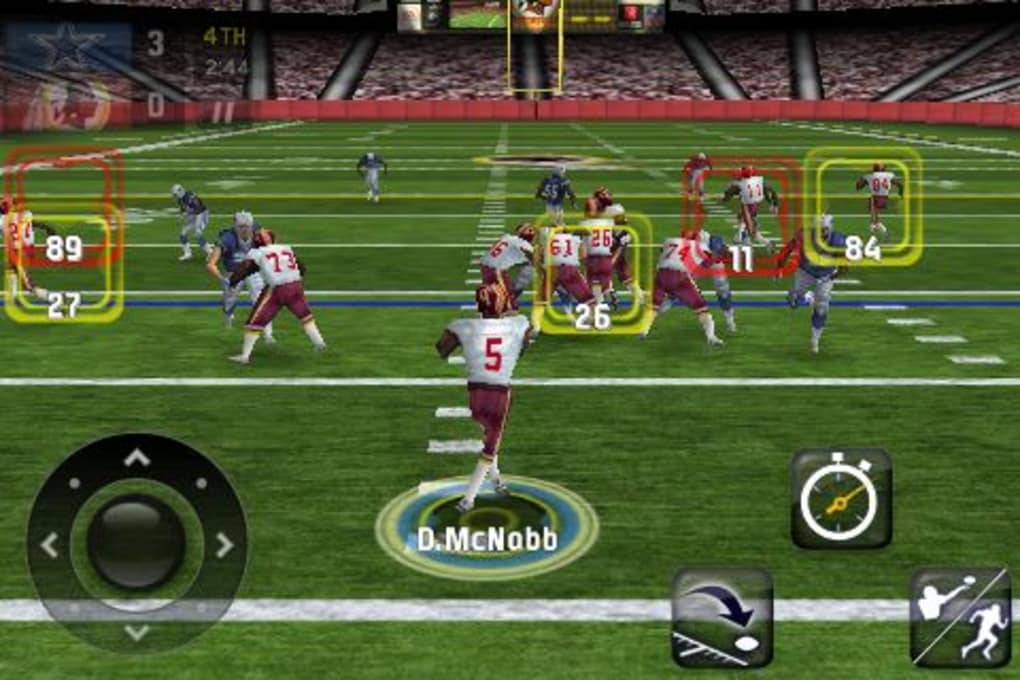
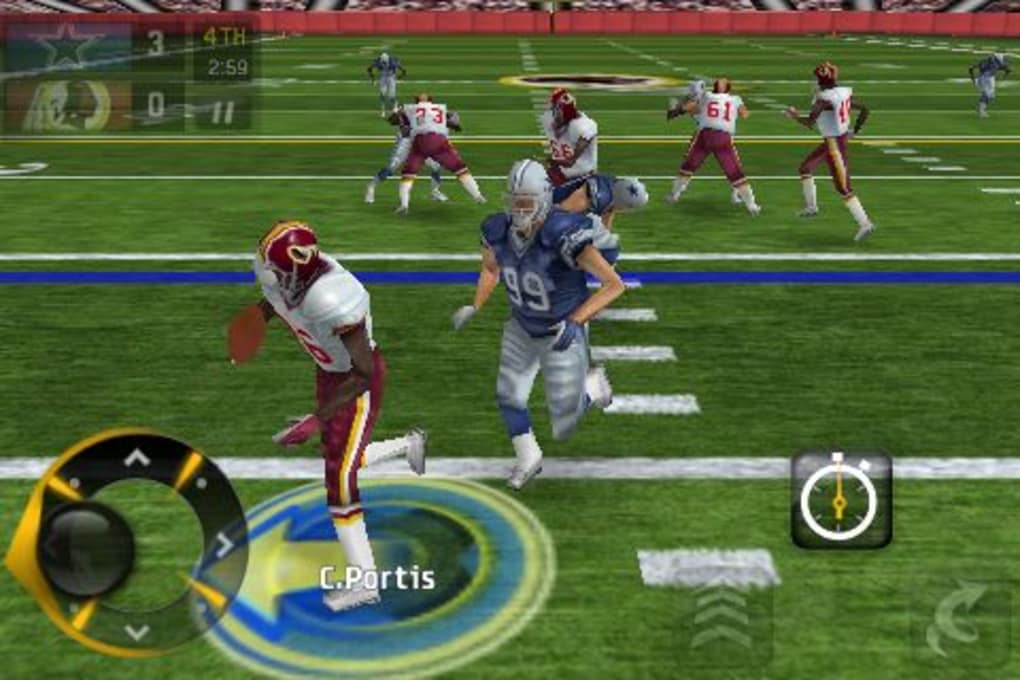
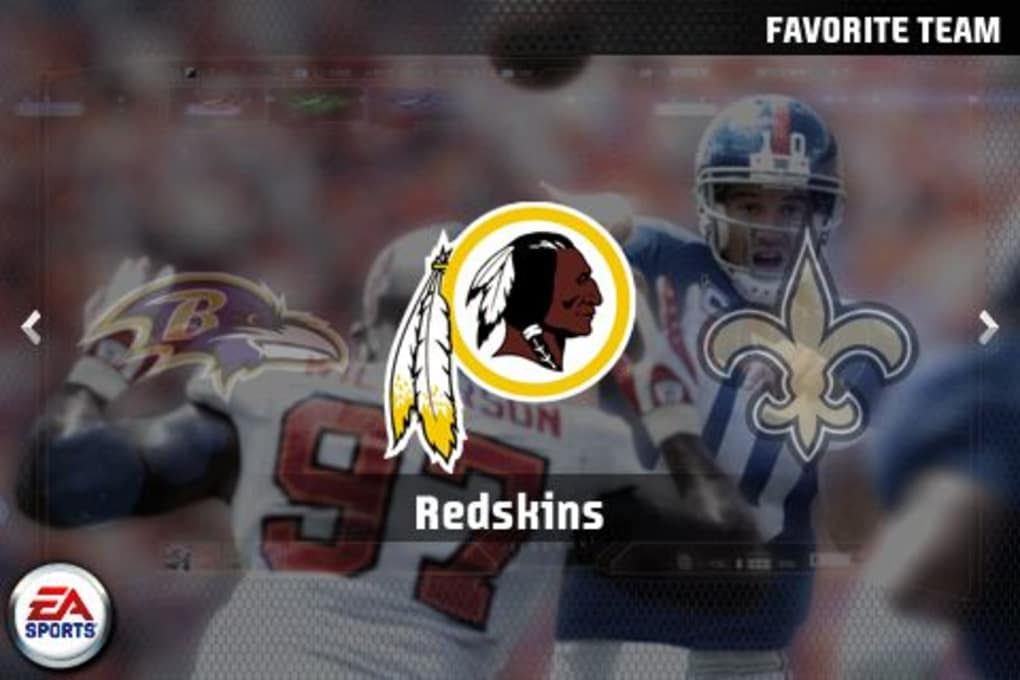
- Enhanced Visuals & Sound – High-quality graphics, smooth in-game animations, and immersive soundtracks elevate the overall experience.
These features support both casual and strategic gameplay. For example, Total Defensive Control enables tactical decision-making during critical moments, while the ability to save hot routes allows players to adapt quickly in real time. Season mode offers long-term engagement through player trades, though the system lacks advanced realism. The GameFlow system streamlines play calling, though purists may find it less detailed than previous iterations. Overall, the combination of official content and responsive mechanics creates a compelling mobile football experience.
User Interface, Workflow & Performance
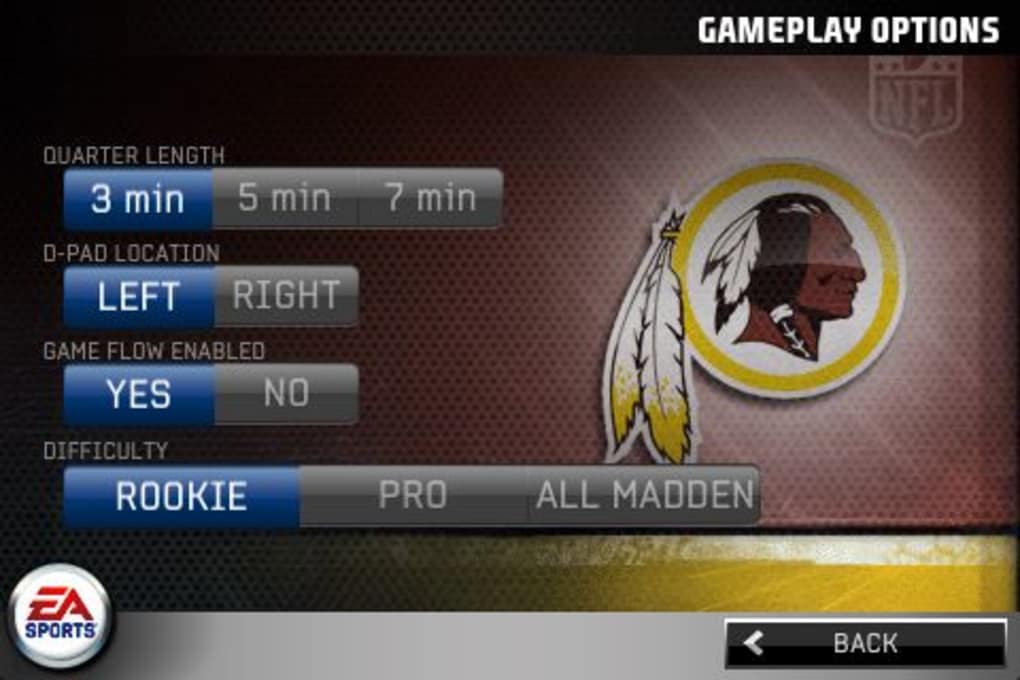
The user interface is structured around intuitive navigation, with clearly labeled menus and responsive touch controls. The game’s glossy interface and dynamic transitions contribute to a premium feel, aligning with the expectations of modern mobile applications. Navigation between game modes, play selection, and team management is straightforward, minimizing learning curve for new users.
Workflow efficiency is supported by the GameFlow system, which allows rapid access to offensive plays without extensive menu diving. The on-screen analog stick and action buttons are well-positioned for one-handed play, though precision may vary depending on device size. The flick-to-kick mechanic remains a standout feature, offering quick and intuitive execution.
Performance observations are based on general software behavior patterns. The developer did not specify resource usage details. However, the game’s 145.4 MB size suggests moderate storage demands. Stability appears consistent with typical mobile games of its era, though no specific crash reports or load times were provided. The game runs on iOS 4.2, indicating compatibility with older devices, which may impact frame rates on lower-end hardware.
Compatibility & System Requirements
Madden NFL 11 is compatible with iPhone and iPad devices running iOS 4.2 or later. The software version is 1.0.1, and the installation size is 145.4 MB. The developer did not specify exact hardware requirements beyond the operating system.
Platform compatibility information is limited to iOS devices. No details were provided about processor speed, RAM, or GPU specifications. The game’s reliance on iOS 4.2 suggests it was designed for devices released prior to 2011, including iPhone 3GS and later models. Users of newer devices may experience performance variations, though no official updates or optimizations were mentioned.
Exact system requirements were not listed. Compatibility with modern iOS versions is uncertain, as the game was released in 2010. Users should verify device compatibility before installation.
Pros and Cons
Pros
- Officially licensed NFL content with real rosters
- Stunning visuals and immersive audio design
- Four distinct game modes for varied gameplay
- Intuitive touch controls and responsive interface
- Free to download and use
Cons
- GameFlow system may feel too simplified for hardcore fans
- Limited defensive control (only available on defense)
- Player trading in season mode lacks realism and depth
- Outdated for modern iOS devices
- No official updates since release
FAQ Section
Is Madden NFL 11 compatible with my iPhone or iPad?
The game requires iOS 4.2 or later. Compatibility with modern devices is uncertain, as the game was released in 2010. Users should check their device’s iOS version and hardware specifications.
Is the game safe to download and install?
As an officially licensed app, Madden NFL 11 is distributed through official channels. No security risks were reported at the time of release. However, due to its age, users should ensure their device is not vulnerable to outdated software.
Does the game require an internet connection?
Offline gameplay is supported for exhibition, season, and playoff modes. Multiplayer over Bluetooth does not require a constant internet connection. However, no online features were mentioned in the provided information.
How often are updates released?
No updates have been released since the initial 2010 launch. The game is no longer actively maintained, and no future updates were announced.
Can I play Madden NFL 11 without paying?
Yes, the game is available for free. No in-app purchases or subscription fees were mentioned in the provided details.
Final Thoughts & CTA
Madden NFL 11 stands as a landmark title in mobile football gaming, offering the most visually impressive and immersive experience of its time on iOS. While its mechanics and systems show their age, the combination of official licensing, polished presentation, and flexible game modes delivers lasting value. It remains a strong choice for fans of the NFL and retro mobile gaming.
Despite its outdated status, the game continues to serve as a nostalgic and accessible option for those seeking a classic football simulation. Its free price point and proven gameplay make it a worthwhile download for iOS users with compatible devices.
Download Madden NFL 11 now and relive the golden era of mobile football gaming.
Guides & Tutorials for Madden NFL 11
How to install Madden NFL 11
- Click the Preview / Download button above.
- Once redirected, accept the terms and click Install.
- Wait for the Madden NFL 11 download to finish on your device.
How to use Madden NFL 11
This software is primarily used for its core features described above. Open the app after installation to explore its capabilities.
User Reviews for Madden NFL 11 0
No reviews found





